
Action Minutes
Stop rewatching the meeting to write the minutes.
PublicInput Action Minutes drafts the motions, votes and public comment from the recording as the meeting runs. Simply review and approve.
HOW IT WORKS
Turn the meeting recording into draft minutes
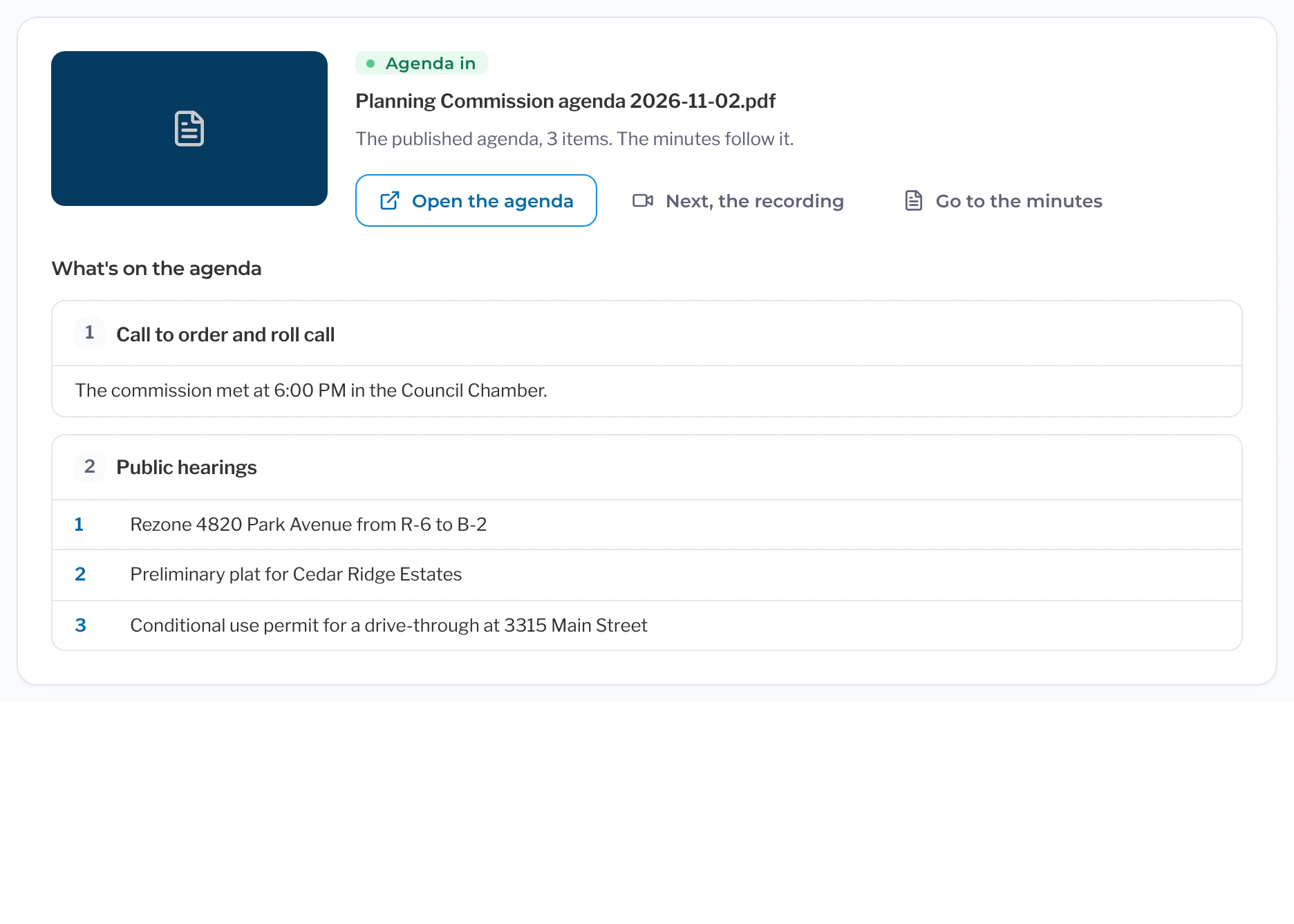
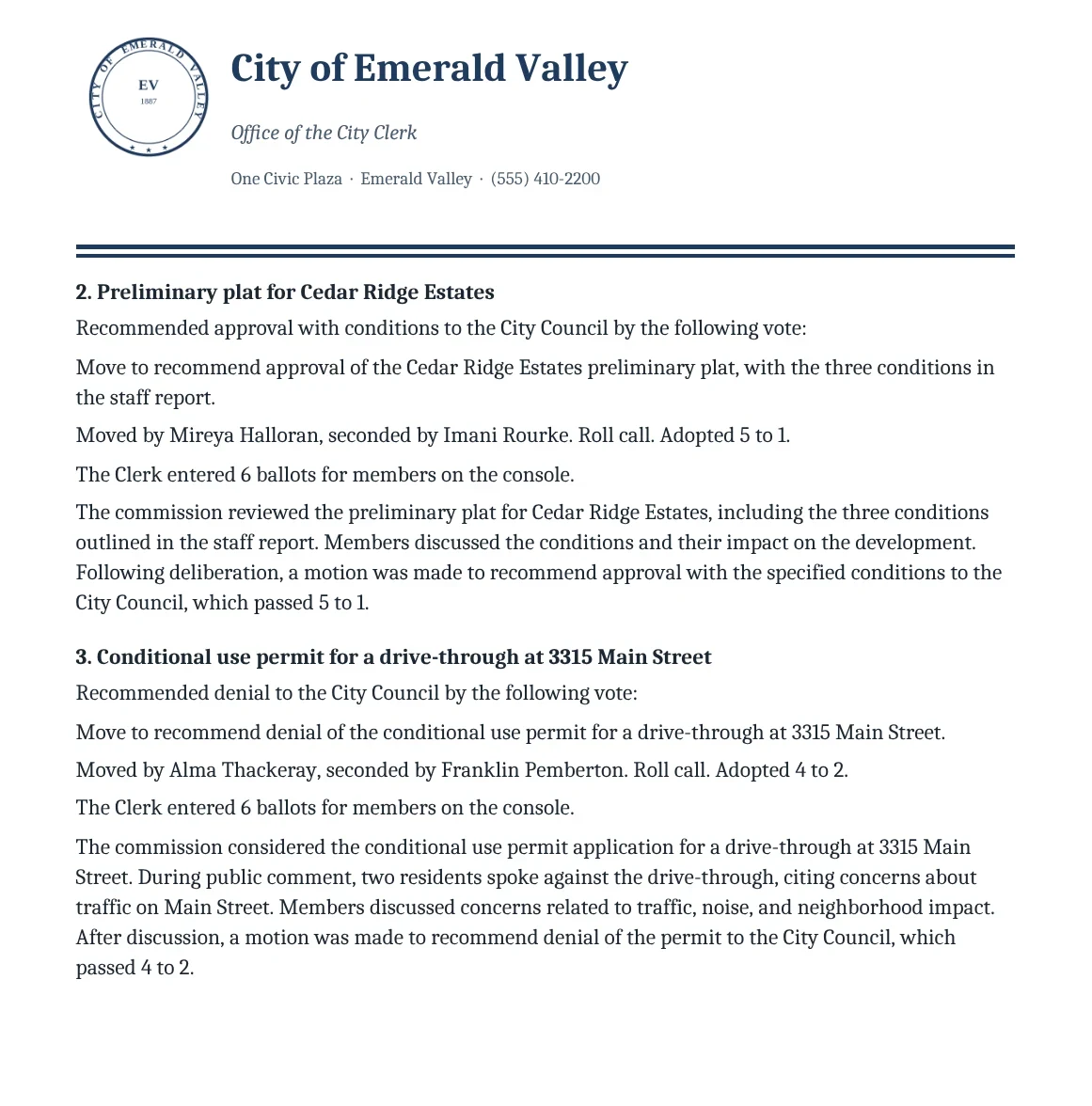
Action Minutes starts from your agenda and uses the meeting recording to draft the minutes item by item: who made each motion, who seconded it, how the vote went and what was discussed. Read it over, make any necessary edits, and send it to the board.
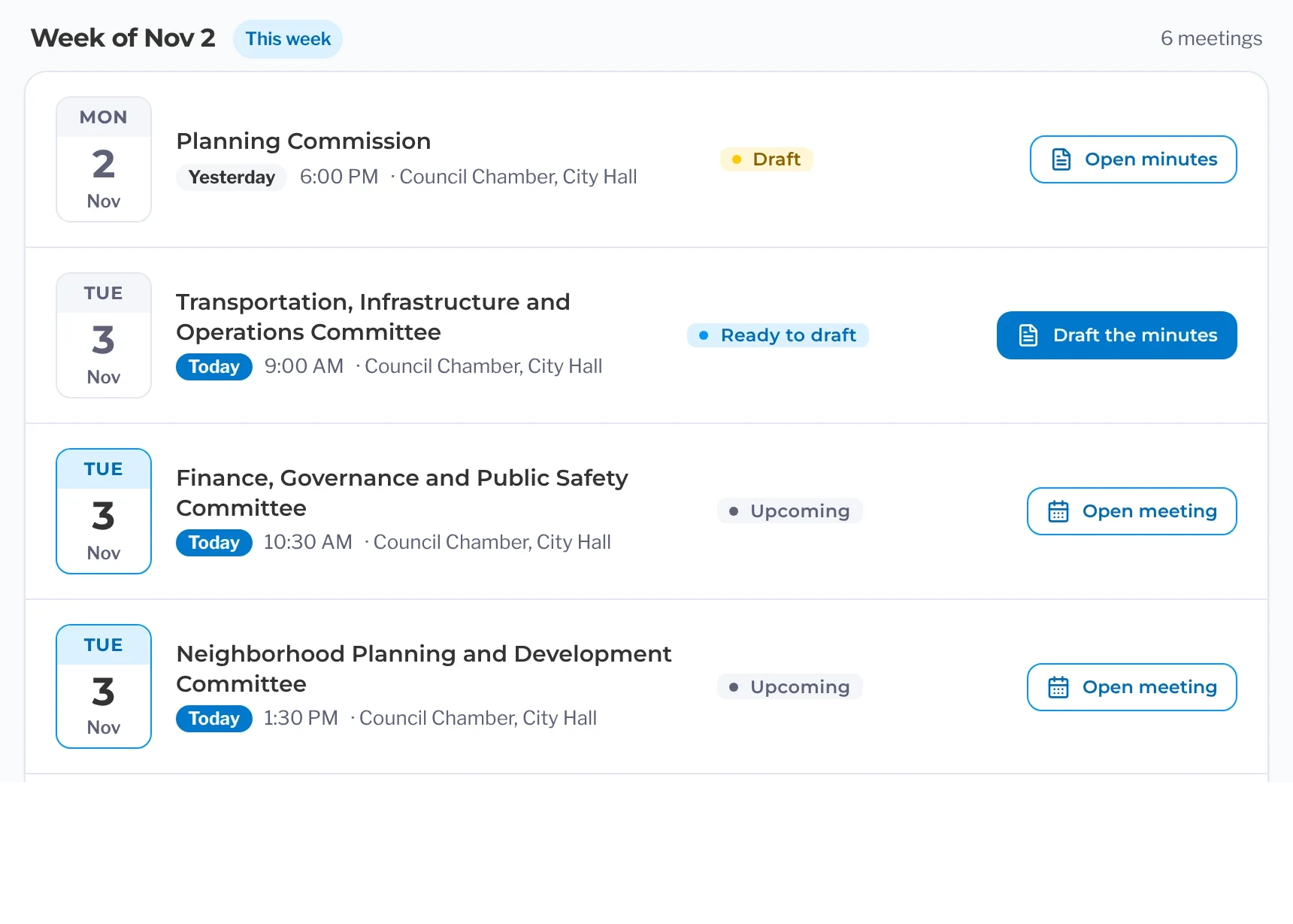
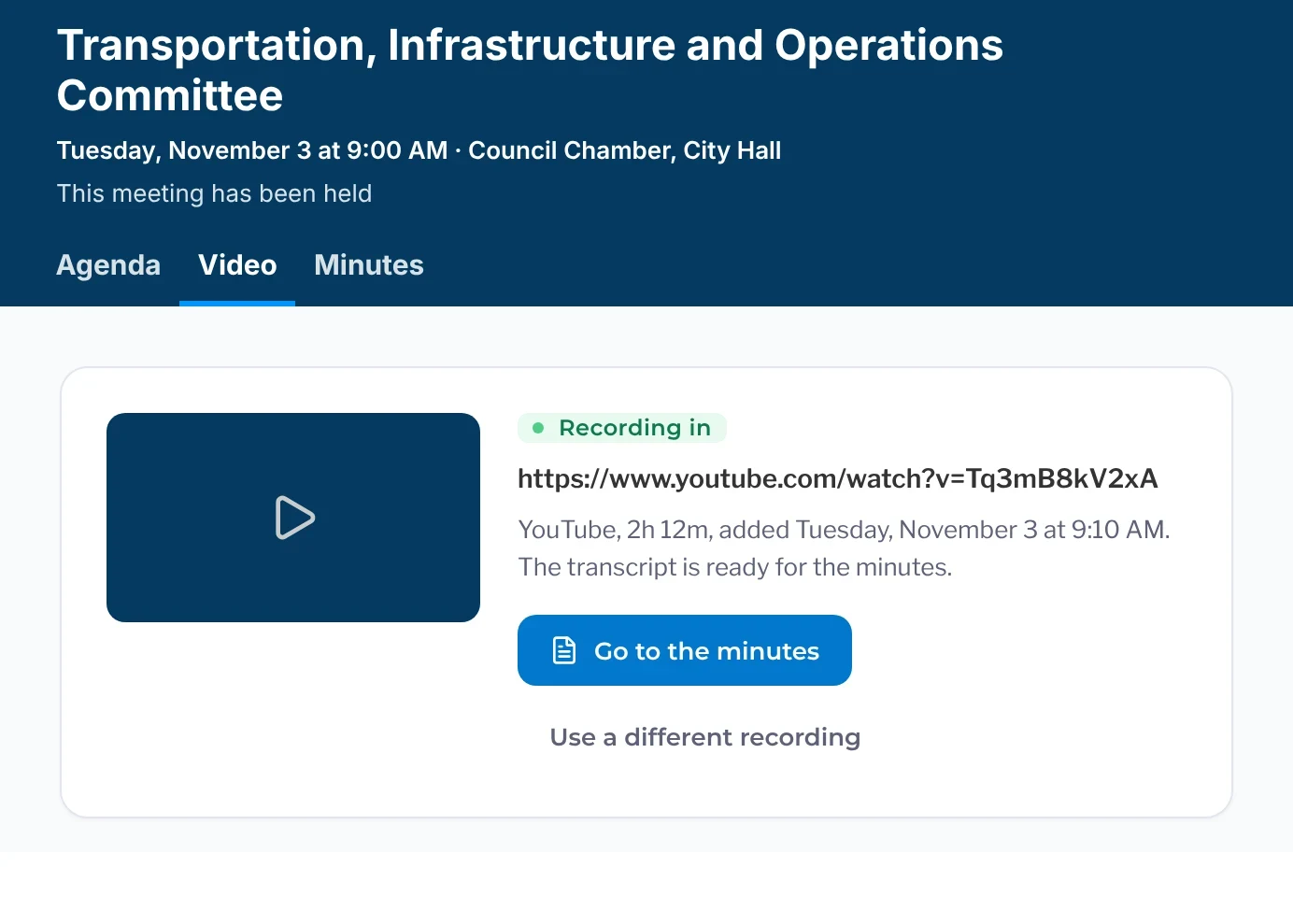
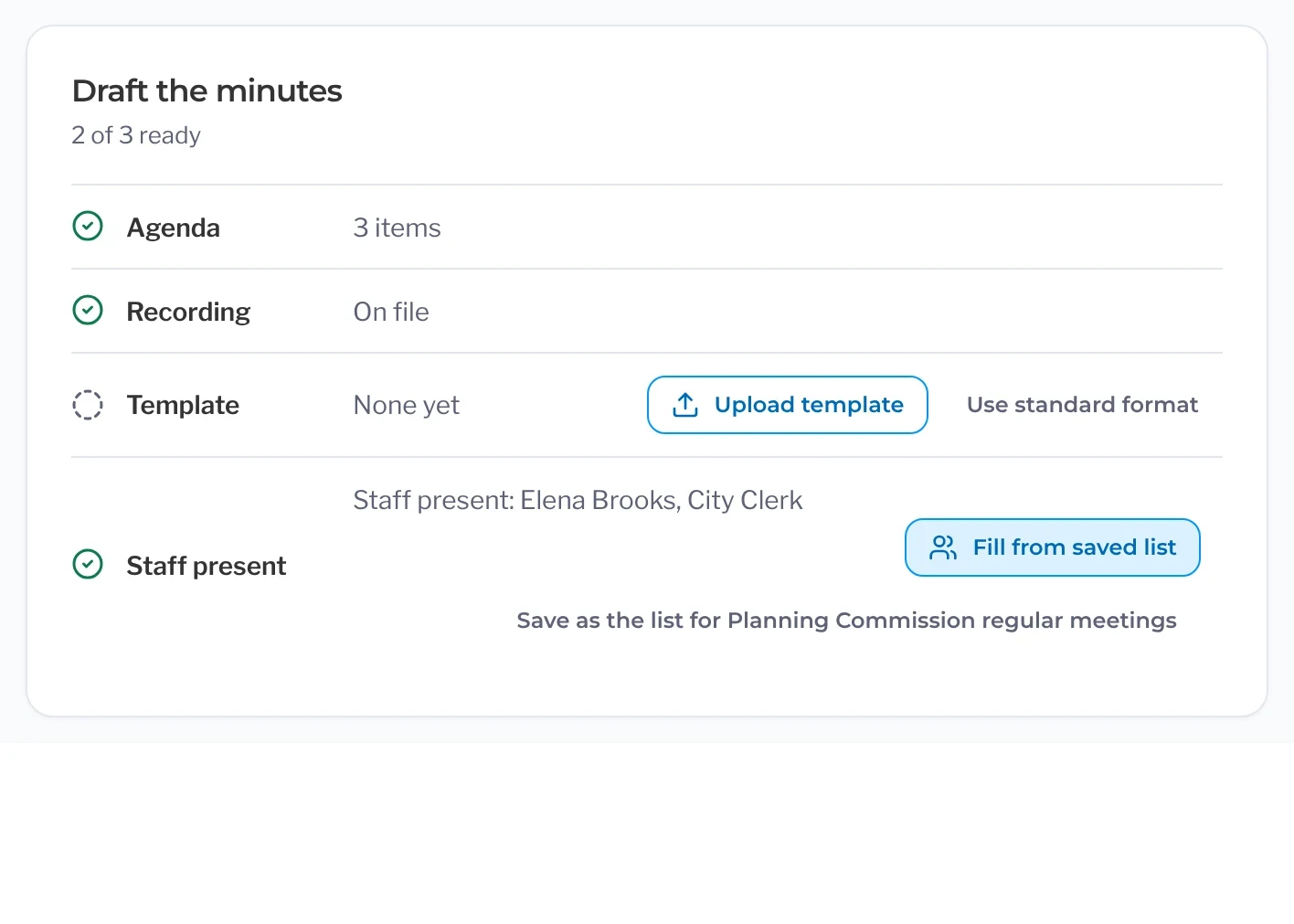
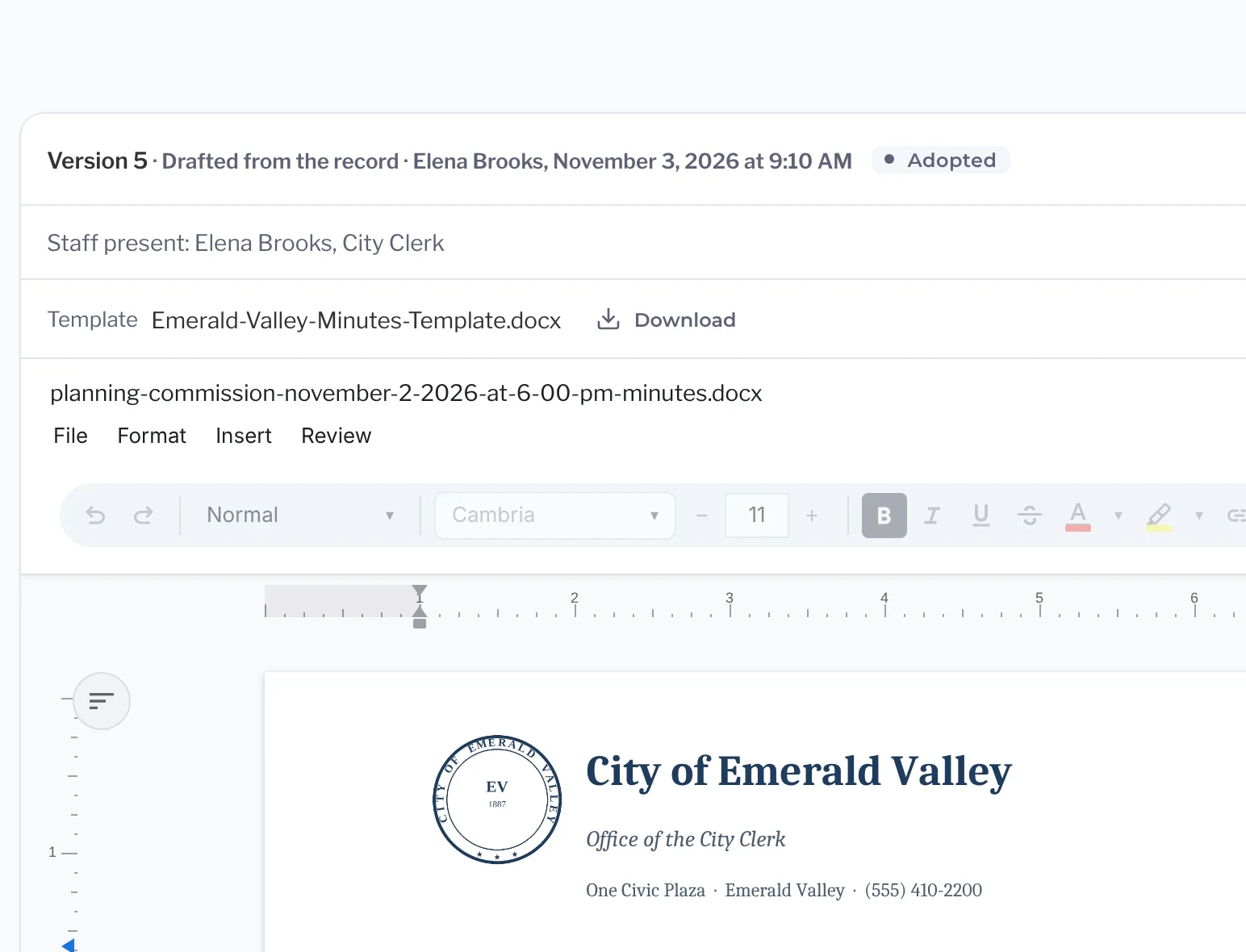
Click any action to hear that moment in the recording, with Broadcasting and Video Archive. Members’ votes go straight into the draft with Live Voting.
Before and after
Spend less time writing minutes
Most of the work of minutes is going back over the meeting. Action Minutes fills in the motions, votes, speakers and follow-ups as the meeting runs, so the draft is ready when the meeting ends. All that’s left is to read it over and send it for approval.
Rewatch the recording to find out who made the motion and who seconded it.
Each item already shows who moved, who seconded and how the vote went.
Retype every agenda item title into a blank minutes template.
The draft starts from your agenda, with item titles and staff reports already in place.
Replay public comment to get each speaker’s name spelled right.
Speaker names come straight from sign-up and are filed under the item they spoke on.
Keep a list of what the board asked staff to bring back.
Each request from the board becomes a follow-up with an owner and a due date.
Post the adopted minutes and then go link them to the right meeting.
Adopted minutes post next to the agenda, packet and video on the public meeting page.
Your template, your style
Minutes that look like yours
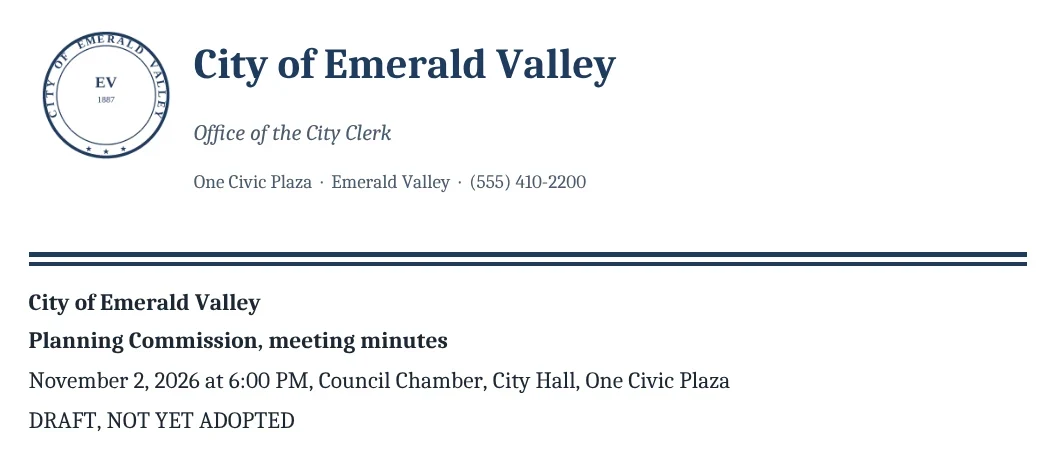
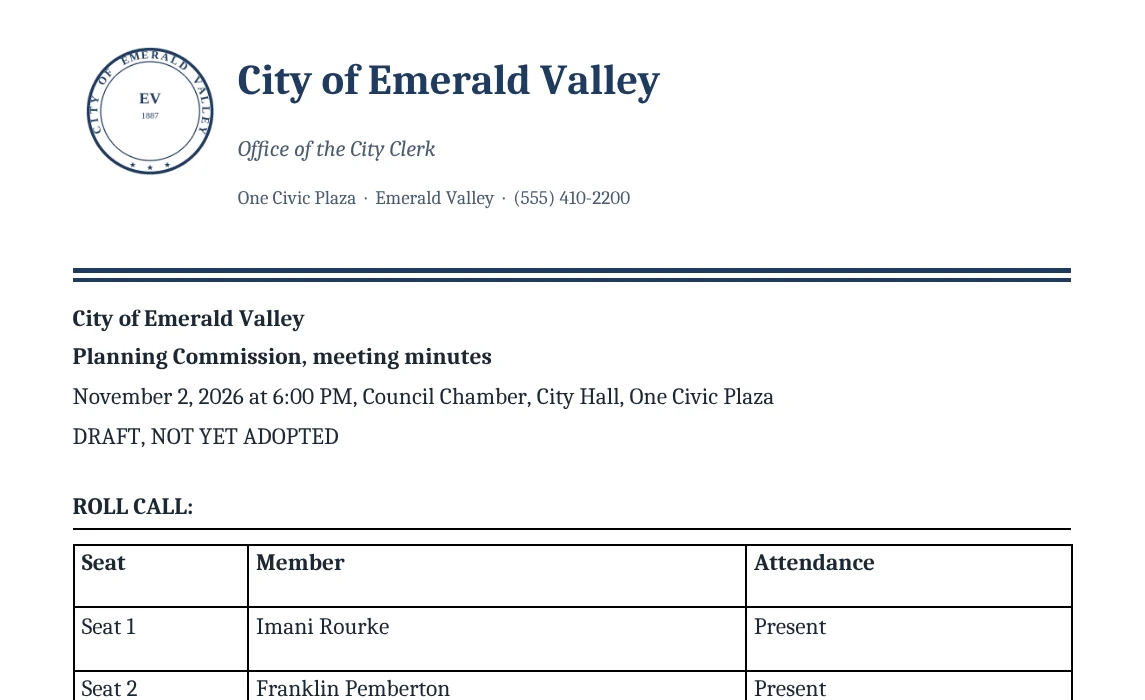
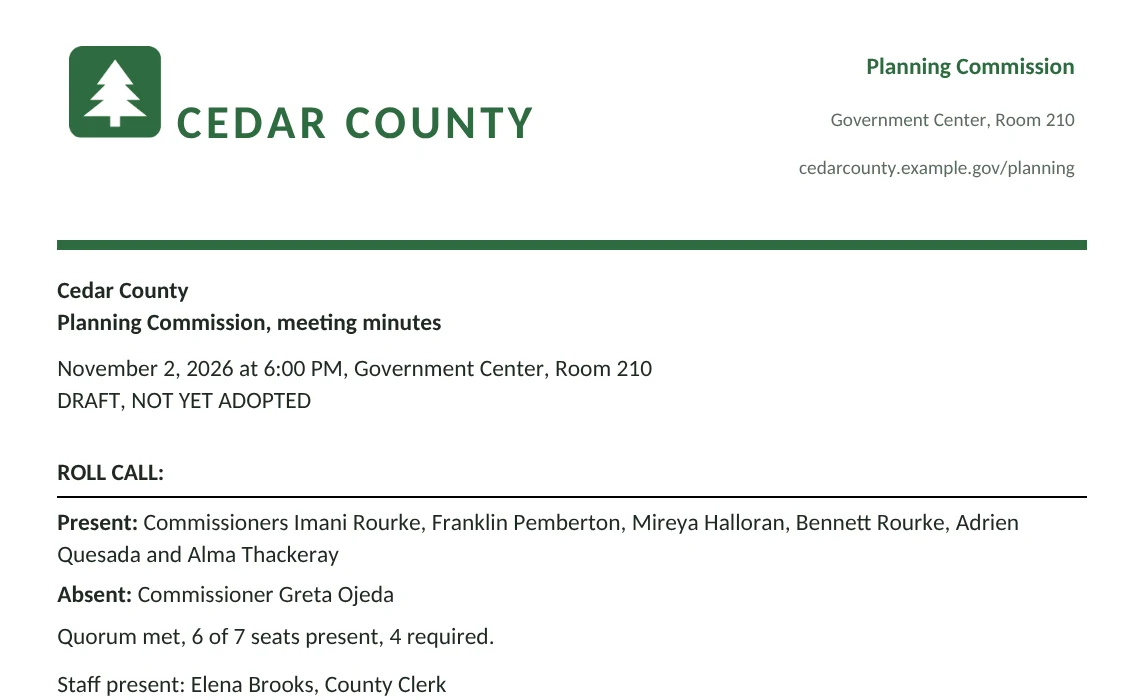
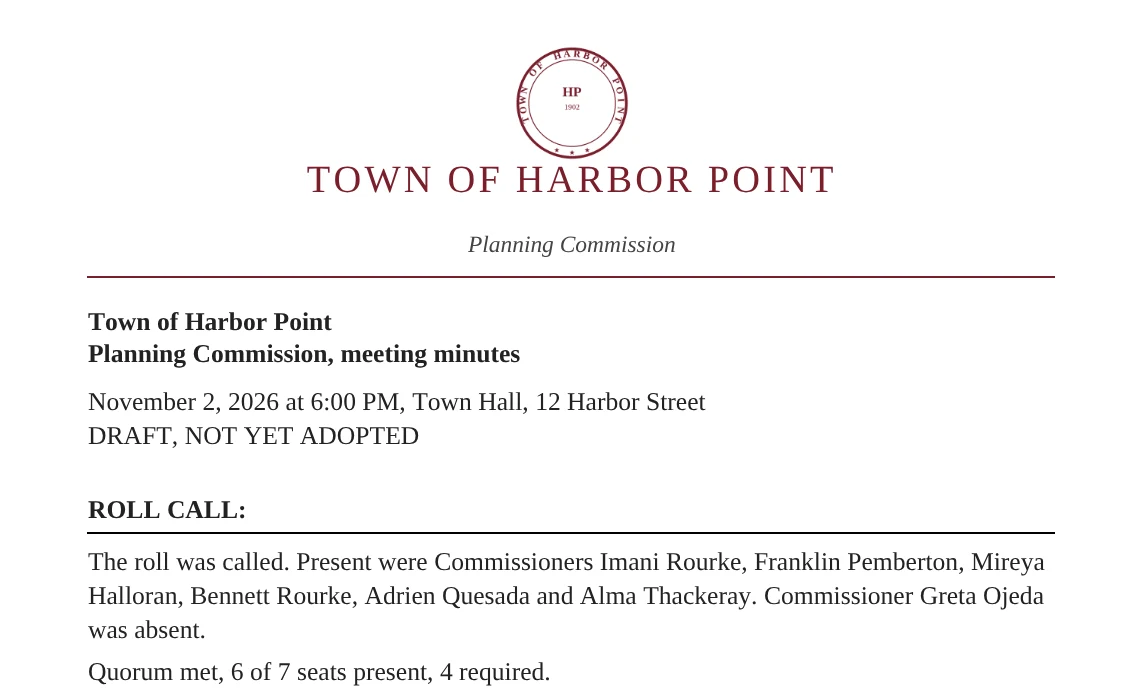
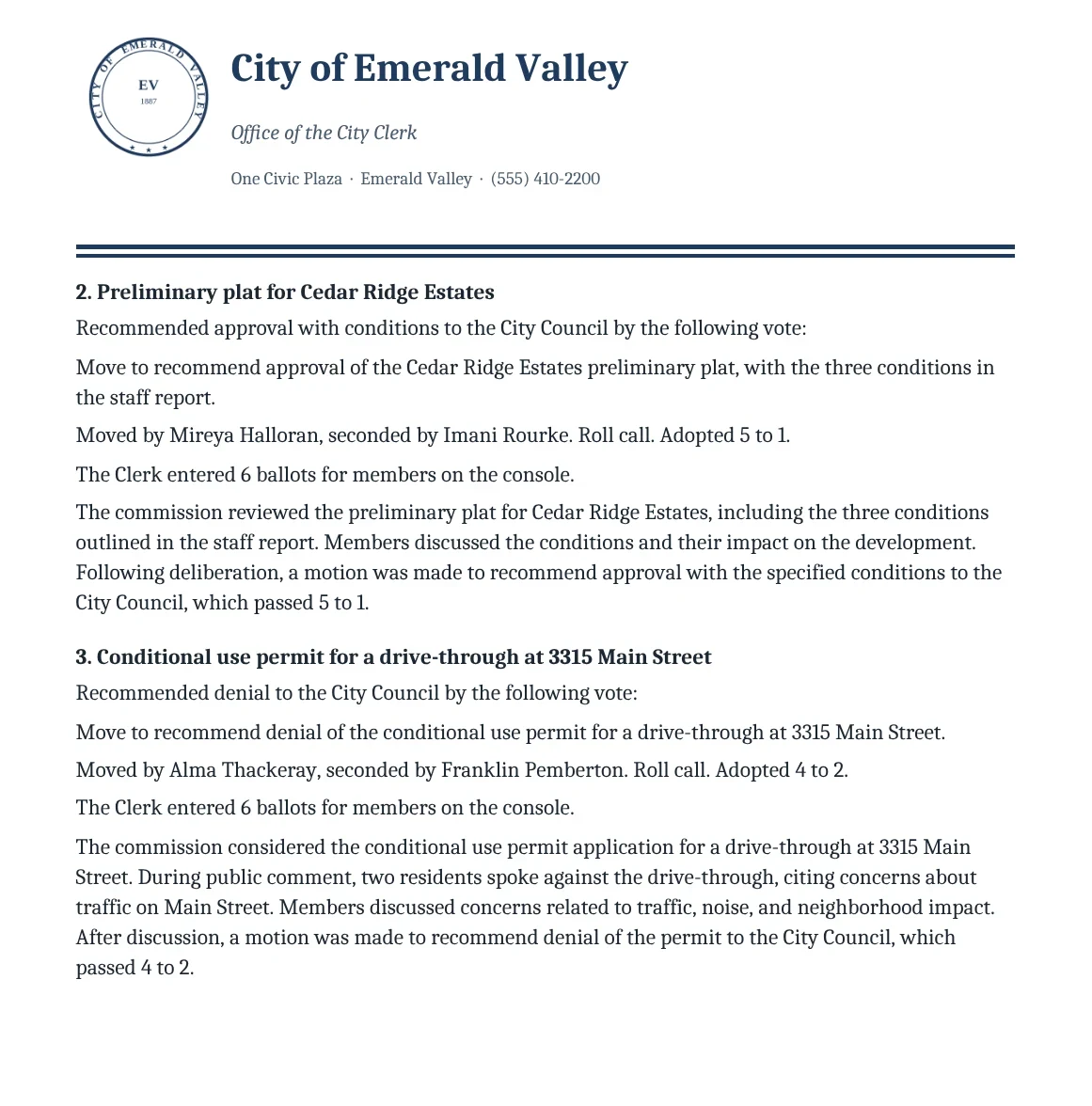
Upload the Word template your office already uses. The draft fills in your letterhead, fonts and headings, and each board can keep its own. Here is the same Planning Commission draft in three different formats, each with its own way of recording the roll call.
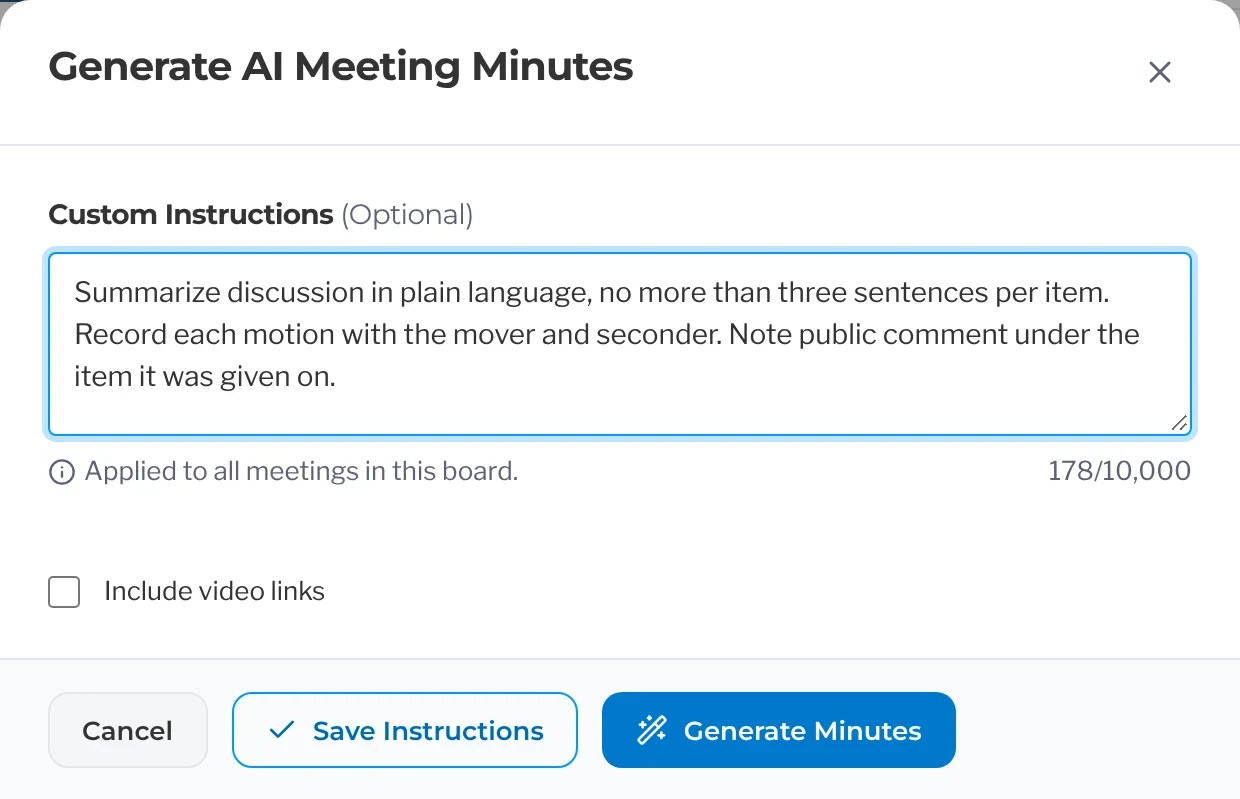
Set your board’s style once
Write down how your board likes its minutes, like how long a discussion summary should be or how to note public comment. Every draft for that board follows it.
What’s Included In
Action Minutes
Speaker names spelled the way residents typed them.
- Pull speaker names straight from sign-up.
- File each public comment under the agenda item it was about.
- Include the speaker’s name with every comment in the record.
The minutes start from the agenda you already published.
- Upload the agenda PDF the board published, or use the one already on file. Nothing is retyped.
- Open the agenda in your browser and see each item the minutes will follow.
- Bring in speaker names from sign-up and votes from the meeting screen.
- Post adopted minutes next to the agenda, packet and video on the public meeting page.
Edit the draft, then send it for approval.
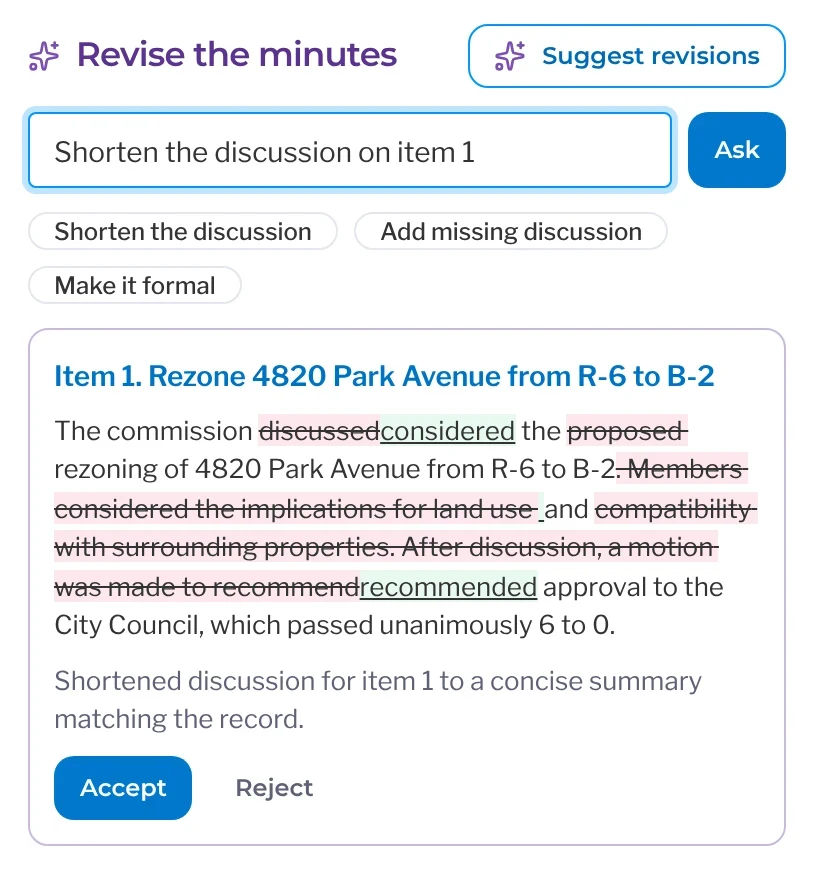
- Ask for edits like a shorter summary, spelled-out acronyms or your own headings.
- Route the draft for approval and add it to the next agenda for adoption.
- Keep minutes unpublished until the board adopts them.
When the board asks staff to come back, it’s tracked.
- Turn requests from the dais into follow-ups with an owner and a due date.
- Remind owners before a follow-up is due, and get alerted if it slips.
- Add the returning item to a future agenda.
The PublicInput Meetings suite
Explore the rest of PublicInput Meetings
Each product works on its own or together, so you can start with what you need and add more when you’re ready.
Questions clerks ask about the minutes
Can we trust it for the official record?
You approve every line before it goes anywhere. Each action links to its spot in the recording, so you can check a motion’s wording in seconds, and nothing is published until the board adopts the minutes.
Where do the motions and votes come from?
Each motion and vote is recorded as the meeting runs, and the recording fills in the wording and the discussion. With Live Voting, members vote on their own tablets and the result goes straight into the draft.
What about the formatting?
Your headings and your order of business. Tell it to be shorter or to spell out acronyms. Hyperlinks and attachments from the agenda carry over, so the minutes point at the same staff report the agenda did.
Does it work for our boards, committees and commissions?
Yes. Each board, TAC or committee gets its own draft with its own roll call, in the same format every time. The planning commission’s minutes draft the same way council’s do. See Boards and Commissions
What about our old minutes?
They come with you. Setting up your account and migrating your records typically only takes a few weeks, and your old agendas, packets, minutes and video come over as records before you go live. See how switching works
See it on your own meeting
Bring a recording of your last meeting and watch the minutes draft themselves.
Instantly turn your meeting recording into draft minutes.